![Halda Logo Black Tight-2.svg]](https://info.halda.io/hubfs/Halda%20Logo%20Black%20Tight-2.svg)
Data Directories can now automatically be pulled from Halda's app. This csv file is designed to inform you and your team on all the potential values that can pass to your CRM. When mapping leads in your CRM, you can append the values in this document to the different heads values to ensure lead information processes without issue.
Where to Download
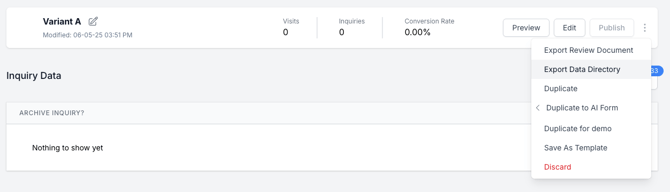
You can download this file from two places in the Halda app. The first place you can download it is by clicking the thee dots on the variant in the AI Form and select "Download Data Directory."
The second place were you can download the directory is in the "Integrate" tab in the form editor.
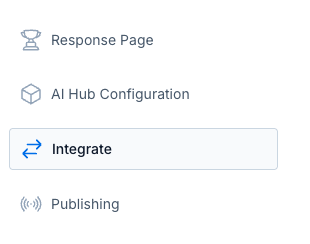
Once in the "Integrate" tab, click the "Export Data Directory" button in the top right corner of the screen.

If you have any issues with downloading your Data Directory, reach out to our support team at support@halda.ai.